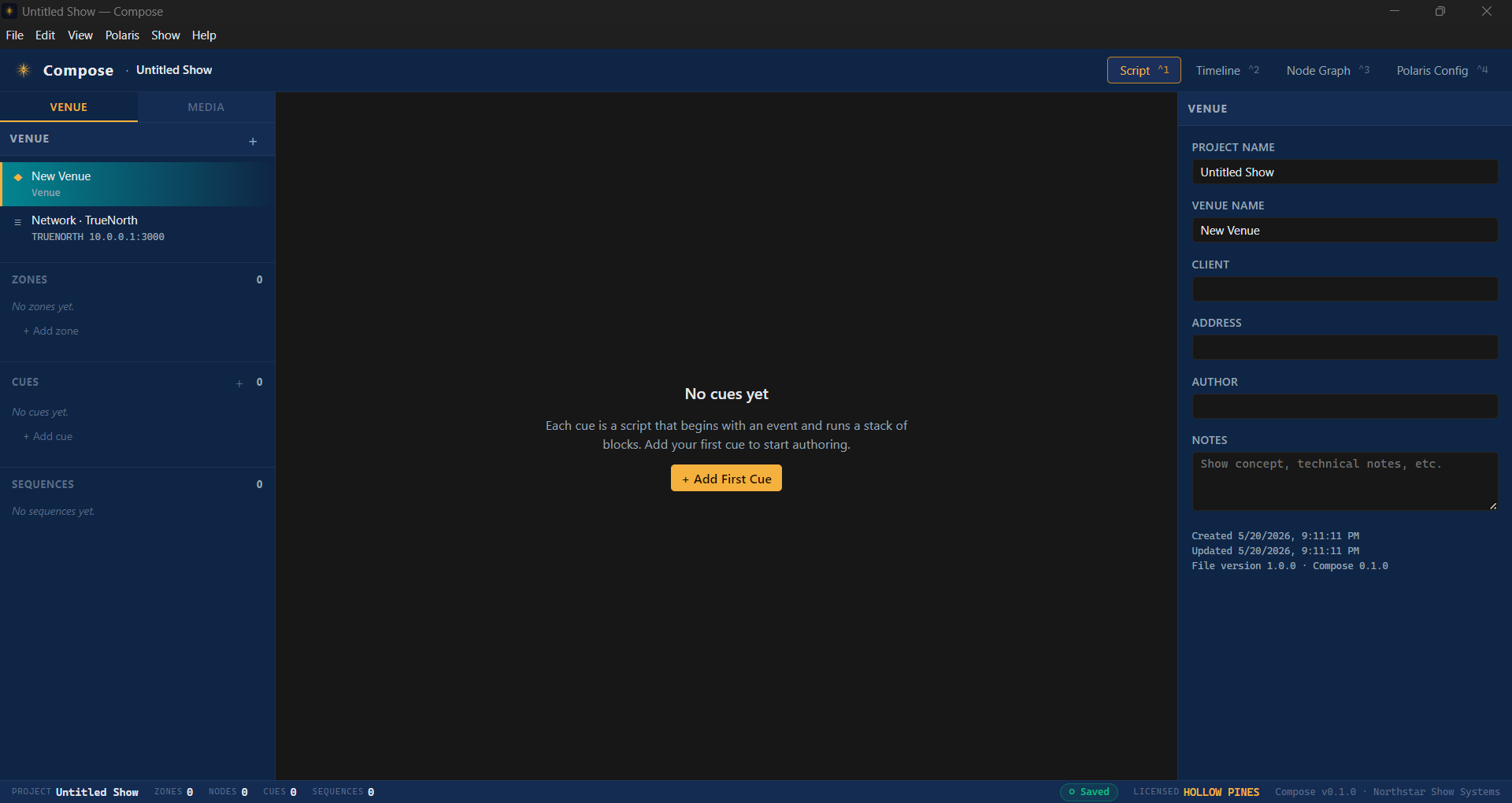
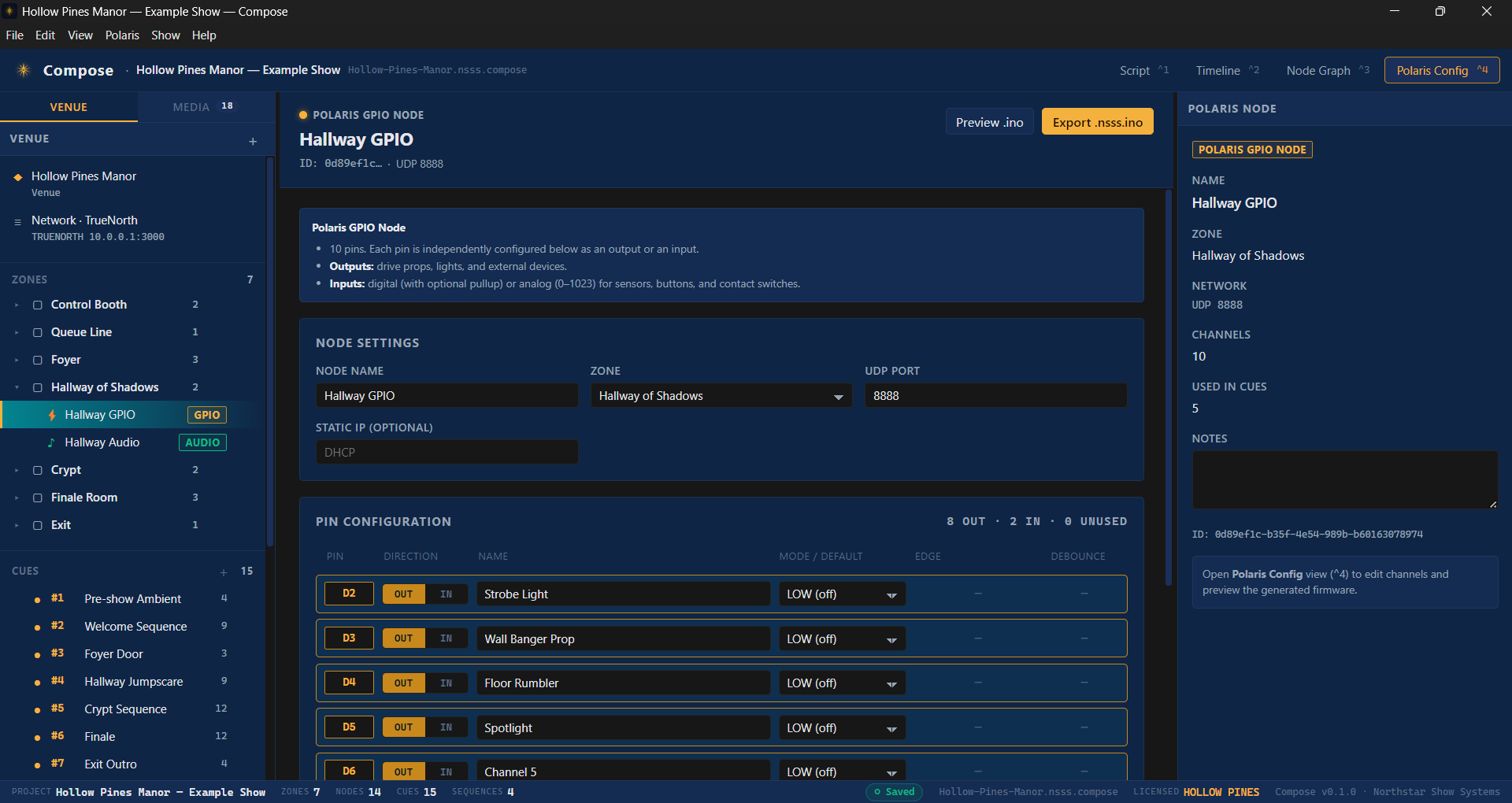
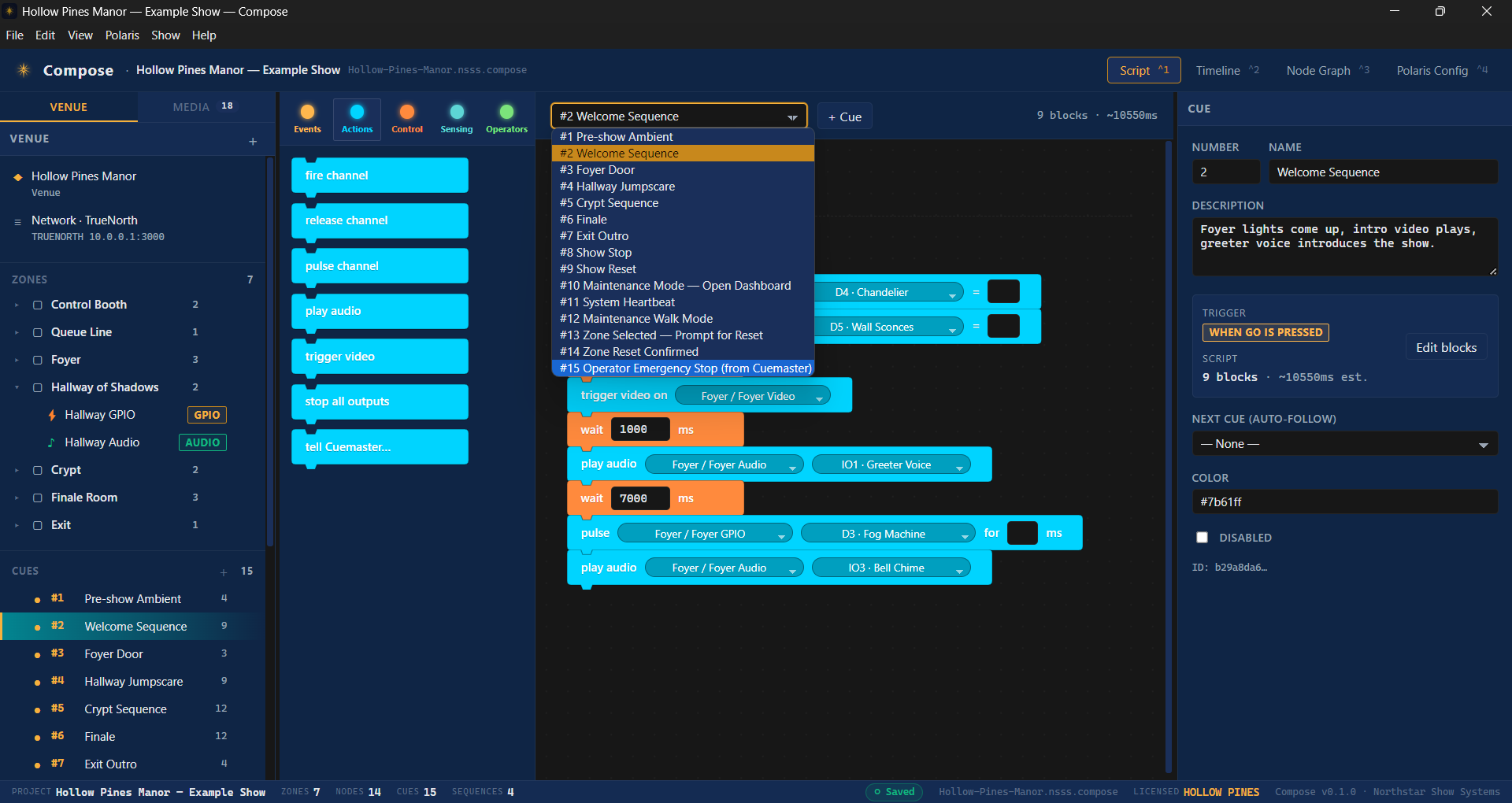
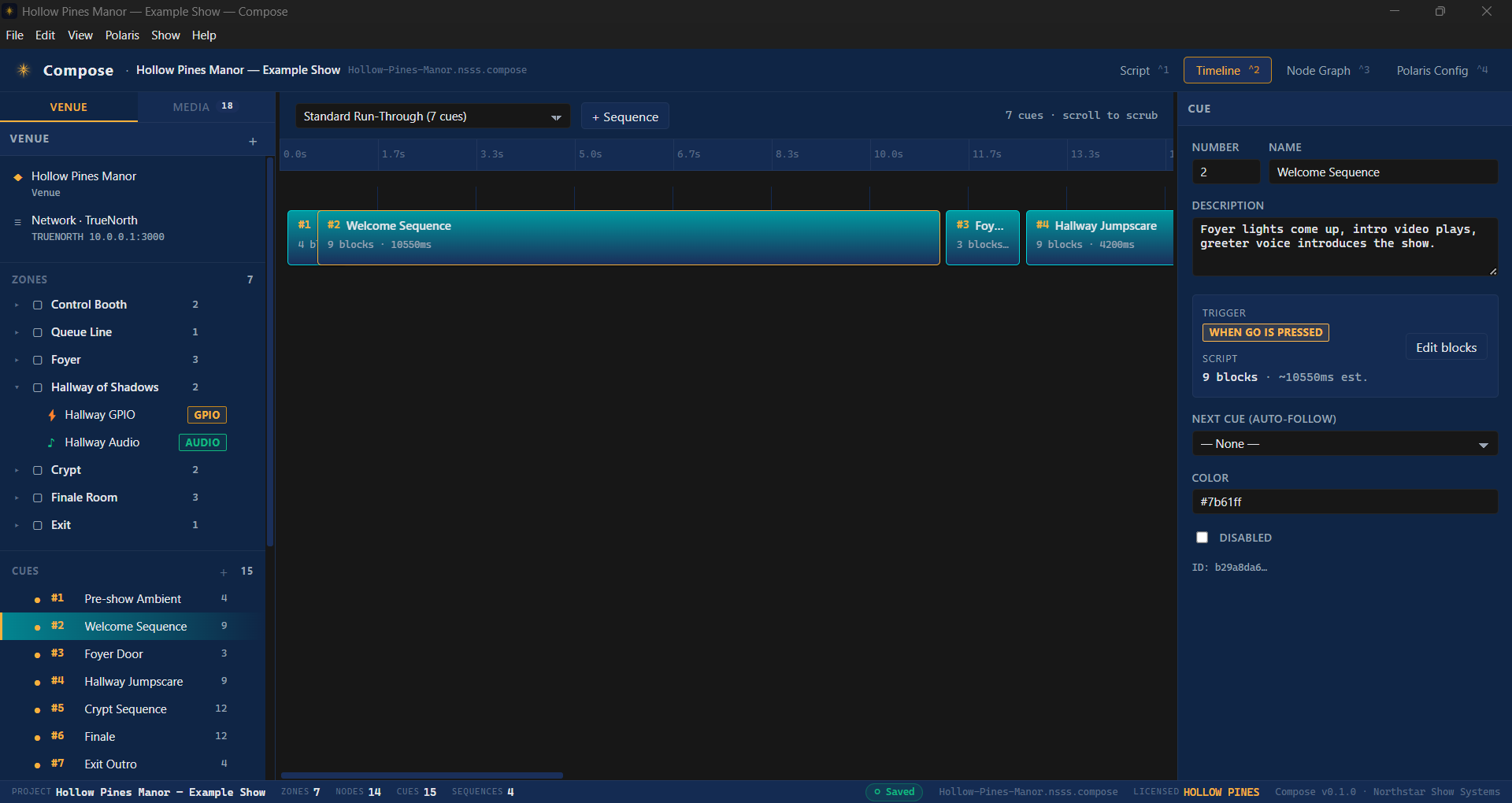
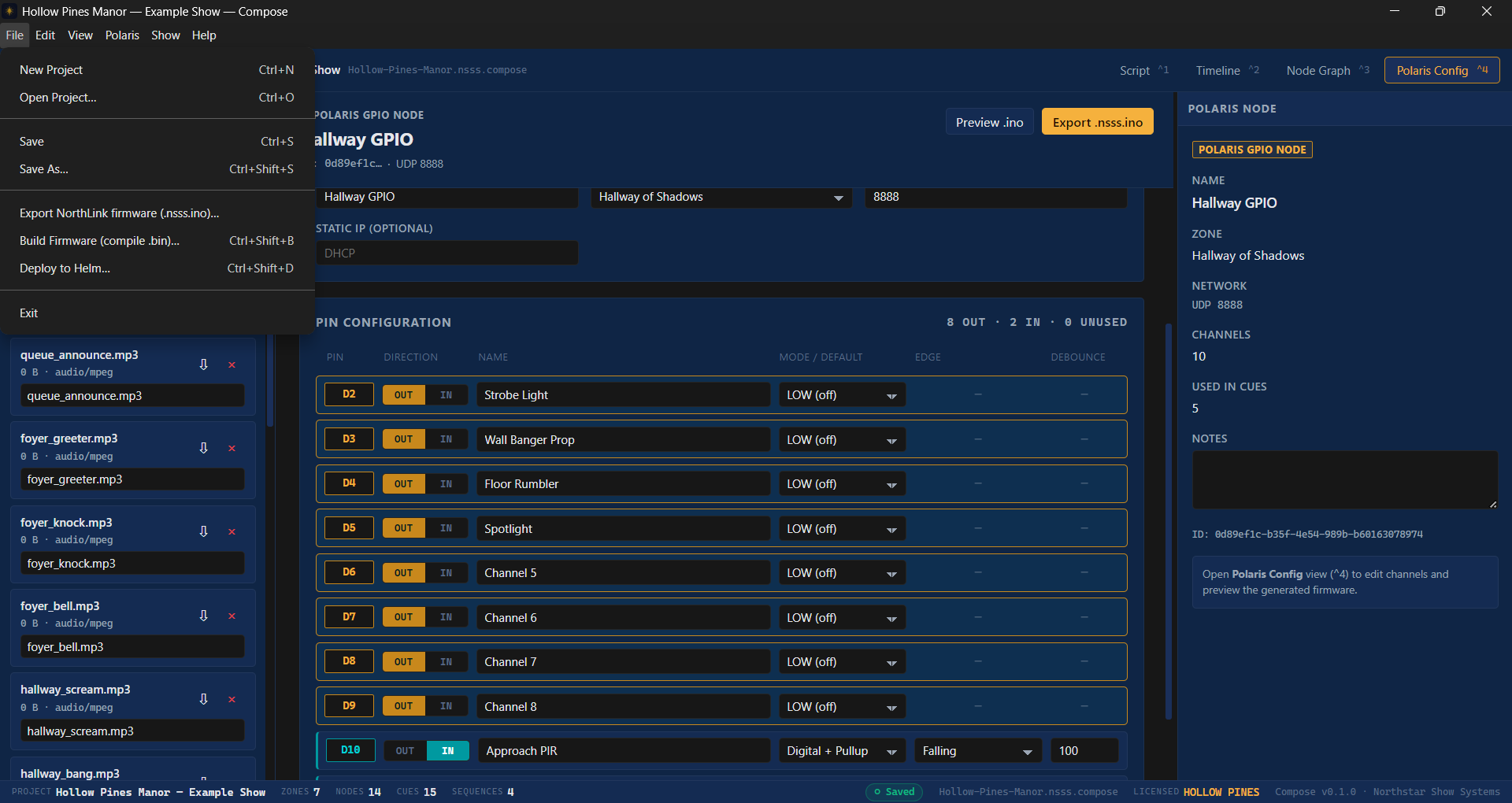
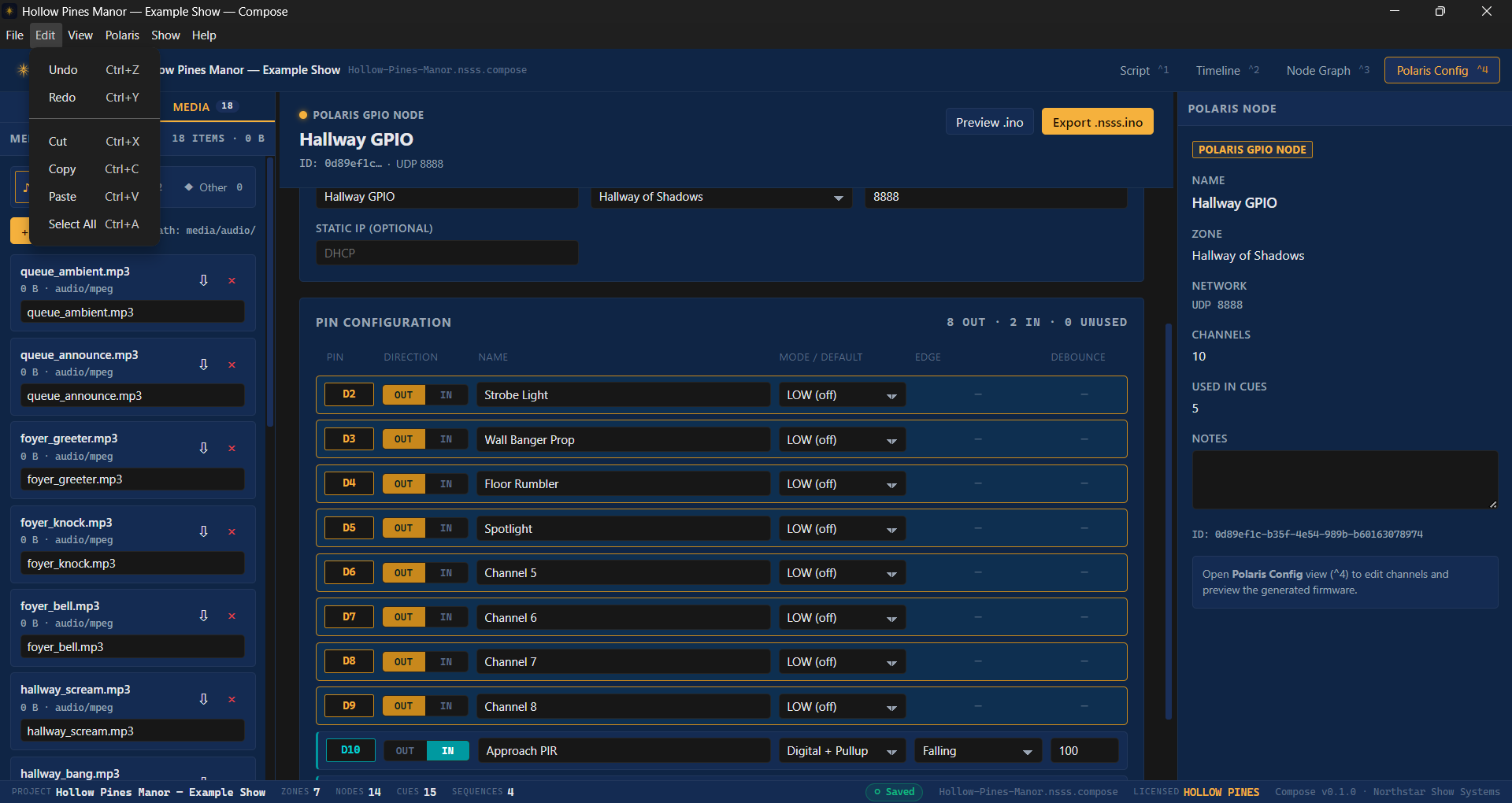
A desktop application for designing Northstar shows on a laptop, completely offline. Drag-and-drop cues, time-aligned sequences, daily schedules, version control. When you're ready, deploy to Helm with one click.
No proprietary timeline that locks you in. Compose stores shows as readable, diffable files you can put in version control and ship like code.
Drop cues on a millisecond timeline. Group them into scenes. Branch into alt paths based on triggers from Polaris.
Hit play on the laptop. Watch the show run in a virtual venue. Catch timing bugs before they cost a guest cycle.
Map cues to Polaris outputs by friendly name. Rename zones without re-wiring every cue.
Audio files, lighting palettes, image cues, video clips — all kept in your project, deployed alongside the show file.
Show files are plain text under the hood. Diff them, branch them, code-review them. Roll back when Friday's change broke Saturday.
Validate locally, then push to Helm over the venue network. Atomic swap. Undo fast if you don't like it.
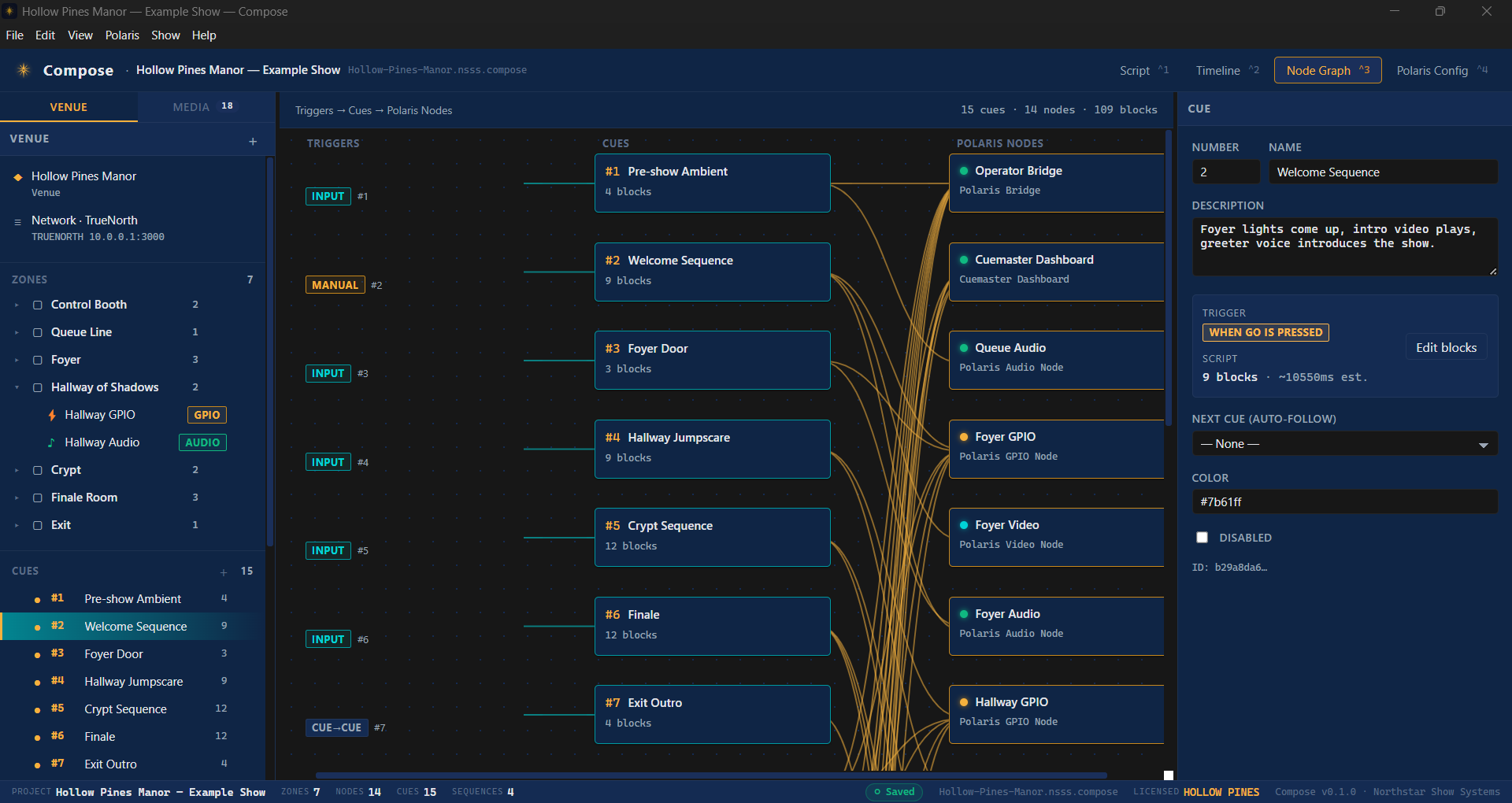
Zones, cues, timelines, the node graph, your media library — Compose keeps the whole show in one place and lets you jump between them instantly.
Lay out every show zone and the physical outputs they map to. Rename without re-wiring cues.
Every cue in your show, grouped by scene. Drag to reorder, double-click to edit the action.
Lay cues out on a millisecond grid. Branch into alt paths based on triggers from Polaris.
The whole show as a wired graph. See data flow, find orphans, follow what triggers what.
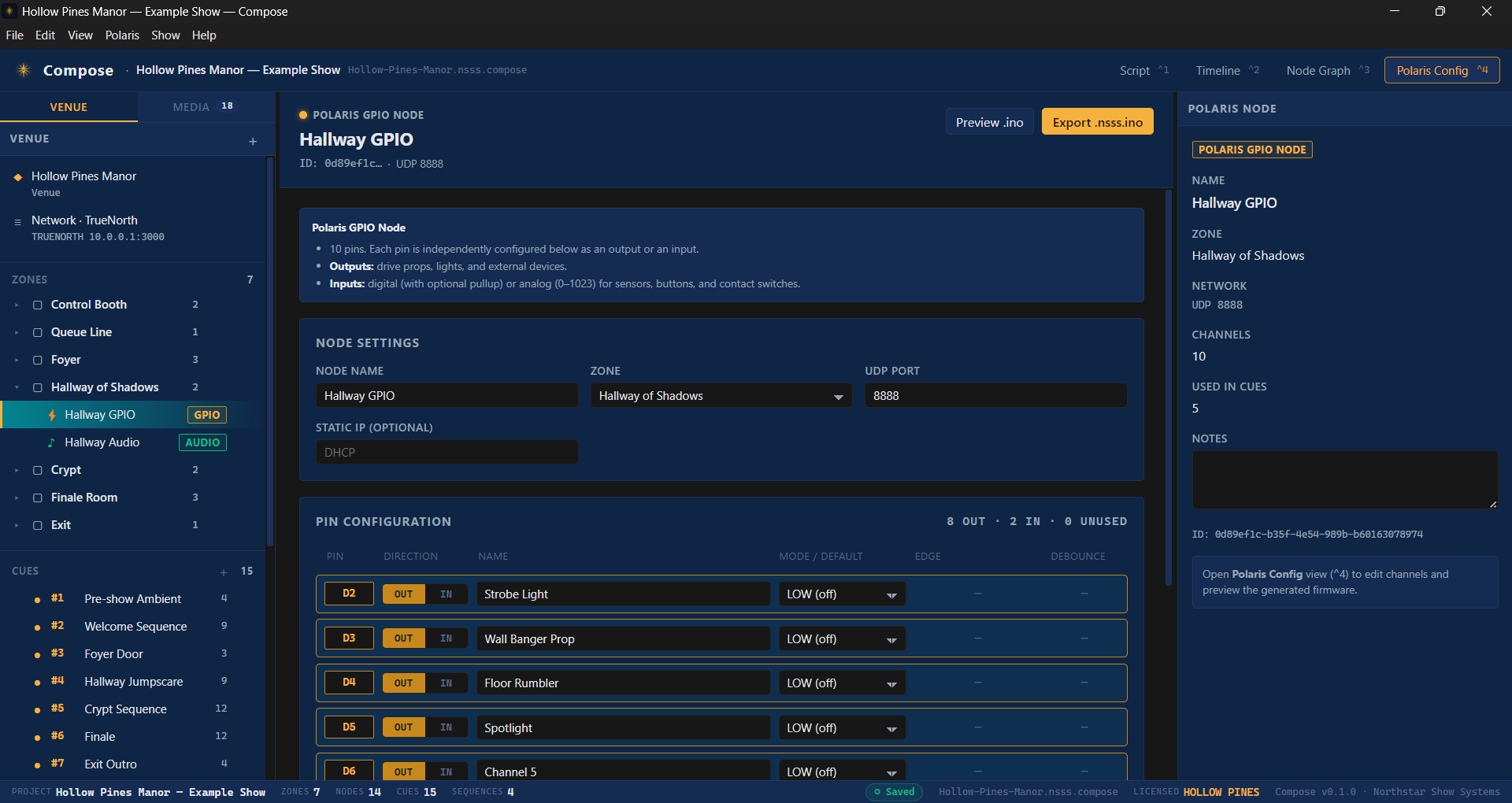
Provision every field node — IP, role, channels, firmware target — and push it with the show.
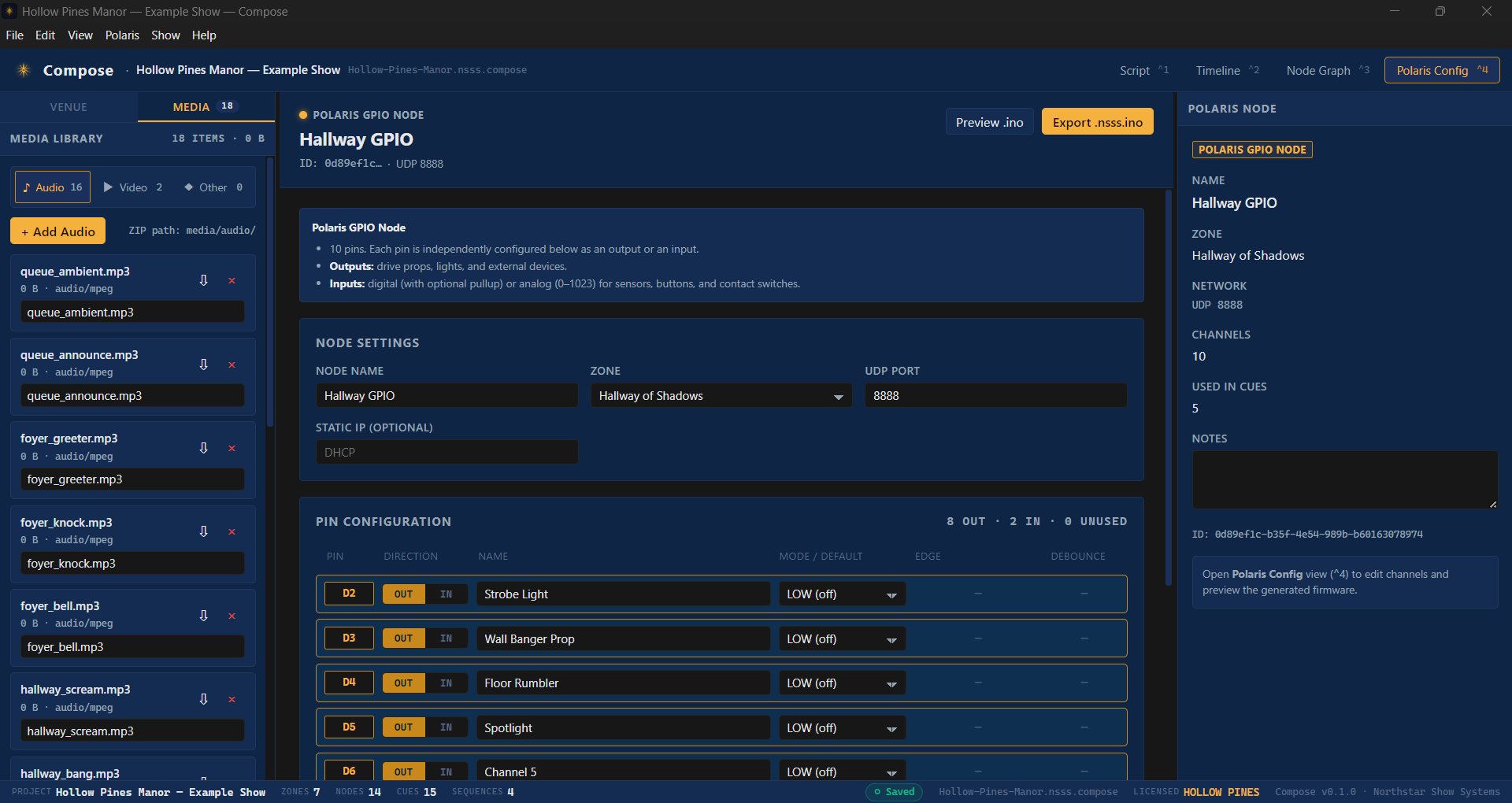
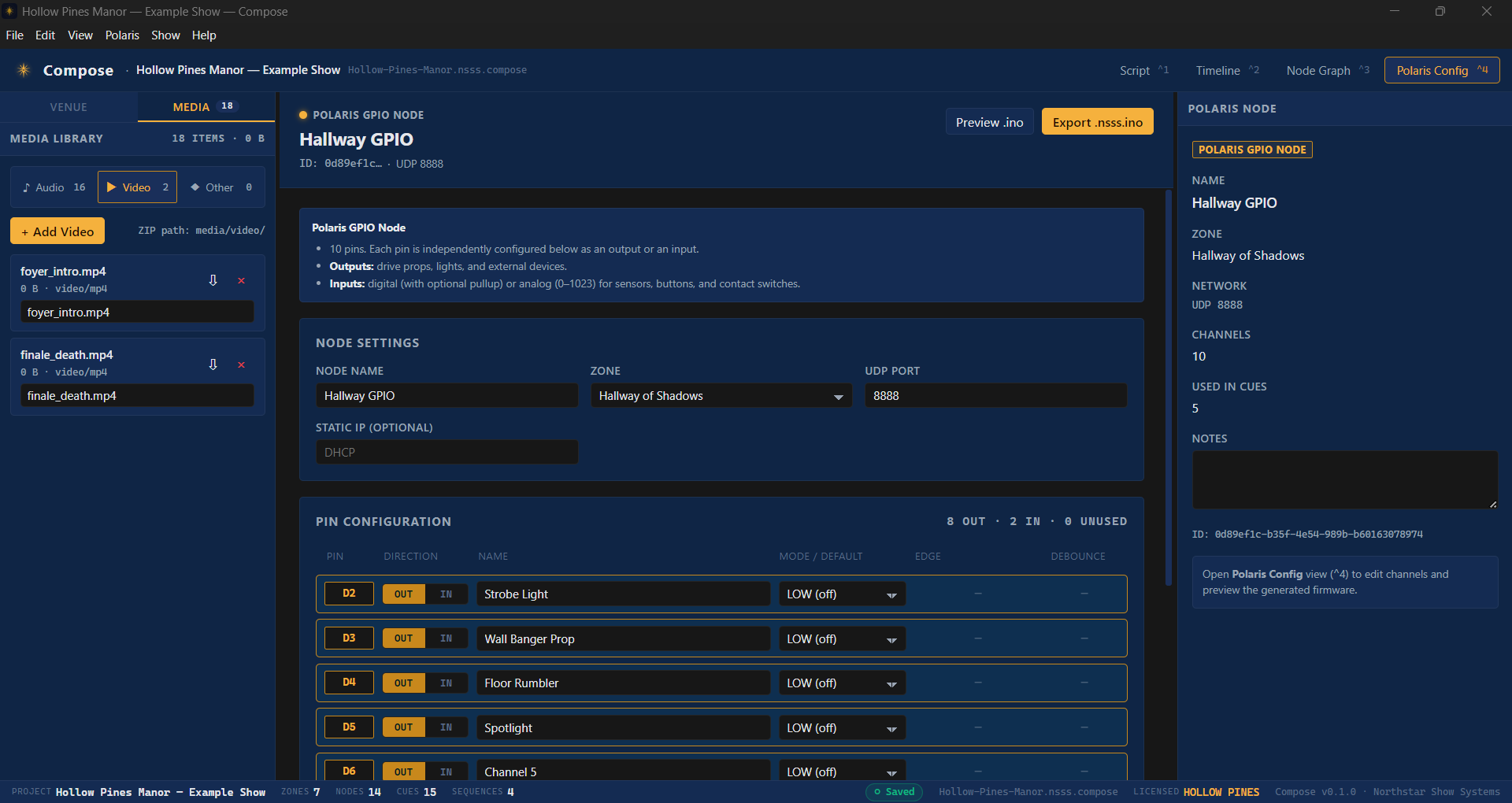
Audio, video, and image assets travel with the project. Audition them inline before they go on stage.
Drop video, mark hit-points, scrub through to set the in/out frame. Output picks the right channel.
New, Open, Save, Save-as, Build Firmware, Deploy to Helm. Every command keyed for the keyboard-fluent.
Undo, redo, duplicate, validate. Validation runs your show through every check before deploy lets you push.
Compose is a native desktop app on Windows and macOS. No browser, no plugin, no cloud sync. Your show stays on your laptop until you push it.
Book a remote walkthrough. Bring a show concept or an existing rig — we'll show you how it'd look in Compose.